Drink water6 glasses a day
9day streak
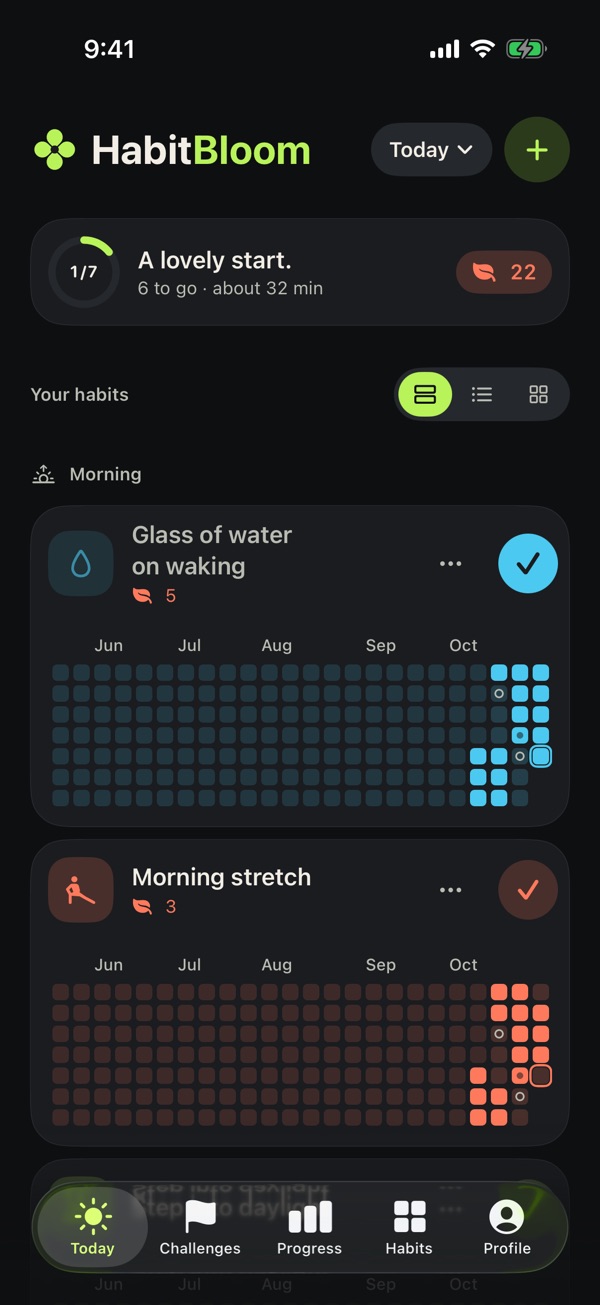
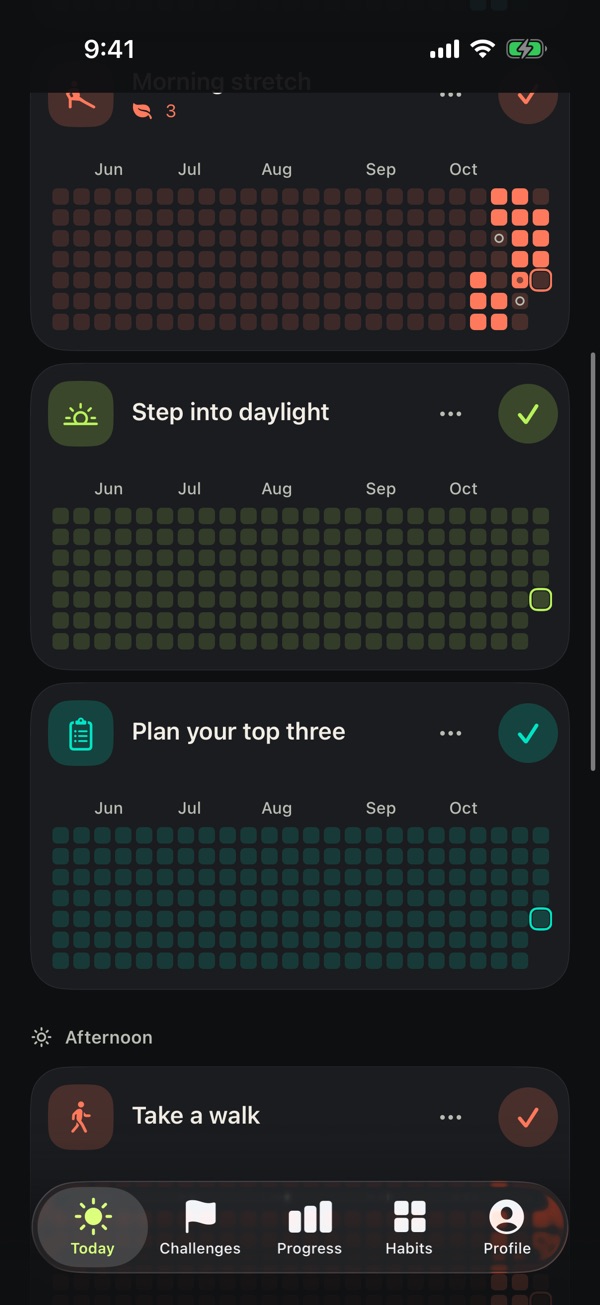
The growth grid
Every habit grows its own garden.
One tile a day. Done days fill in, and a week in a row makes them bloom. Rest days get a soft ring and never break the run.
Morning stretchEvery day
11day streak
Read 10 pagesEvery evening
4day streak
Take a walkWeekdays
2day streak
Plan your top threeEvery morning
4day streak
Mindful minuteAnytime
18day streak
How it works
Three steps. One tap a day.
Plant a habit
Pick from 19 ready-made habits, like a morning stretch or screens off before bed, or make your own with 20 colours and about 150 icons.
Check in
One tap marks it done. On a busy day, log the easier version, like three glasses instead of six. It still counts.
Watch it grow
Each day fills a tile and long runs bloom. Every habit also gets a full-year heatmap.
Challenges
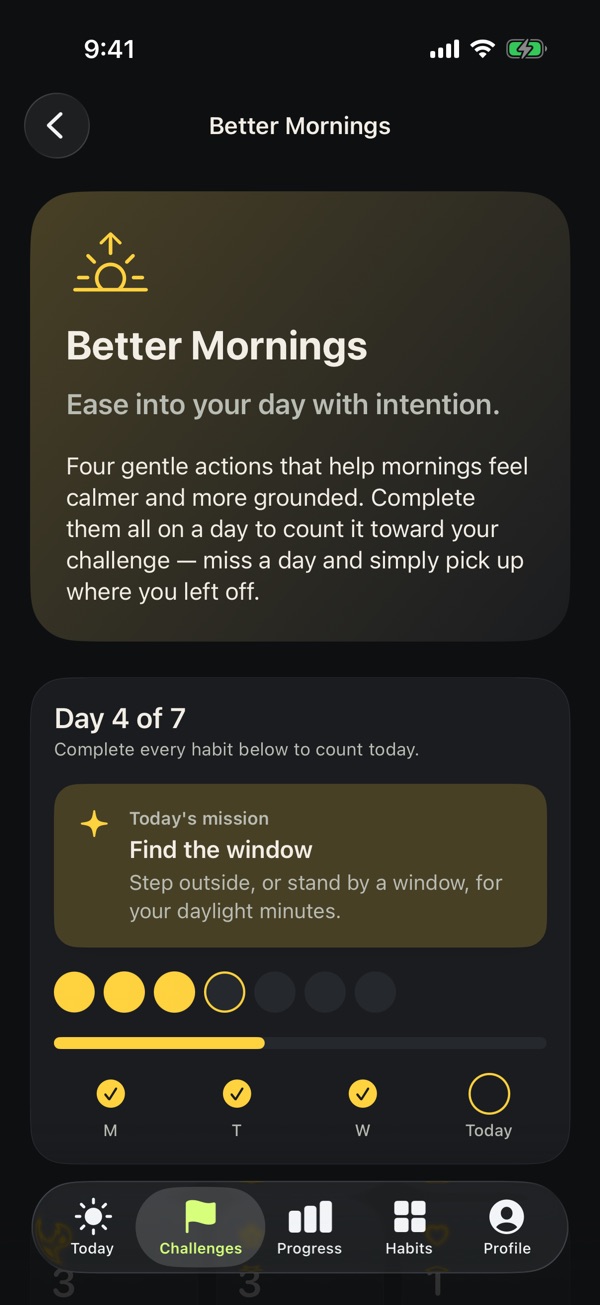
Guided routines that wait for you.
Pick 7, 14 or 30 days. A day counts when you finish its actions, so a missed day pauses the challenge and never resets it. Each day brings a small mission.
- Better MorningsWater, a stretch, daylight and a short plan
- Evening ResetScreens away, a tidy, one good thing, slow breaths
- Everyday WellnessA walk, water, fruit or veg and a mindful minute
Grace days keep your streak going: one for every week of a challenge.
Insights
See the whole year at a glance.
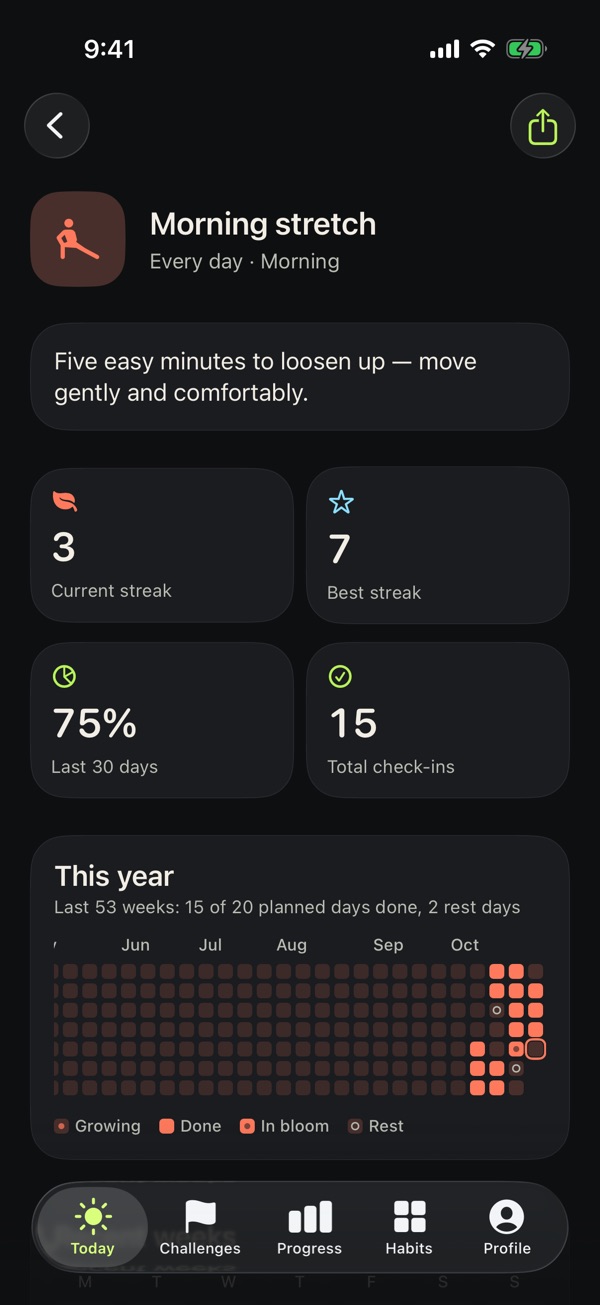
Each habit has its own page with your current and best streak, the last 30 days, total check-ins and a full-year heatmap. Proud of a run? Share a progress card.
- Weekly summary and a month calendar
- Notes for any day, next to your check-ins
- Backfill yesterday if you forgot to log it
Make it yours
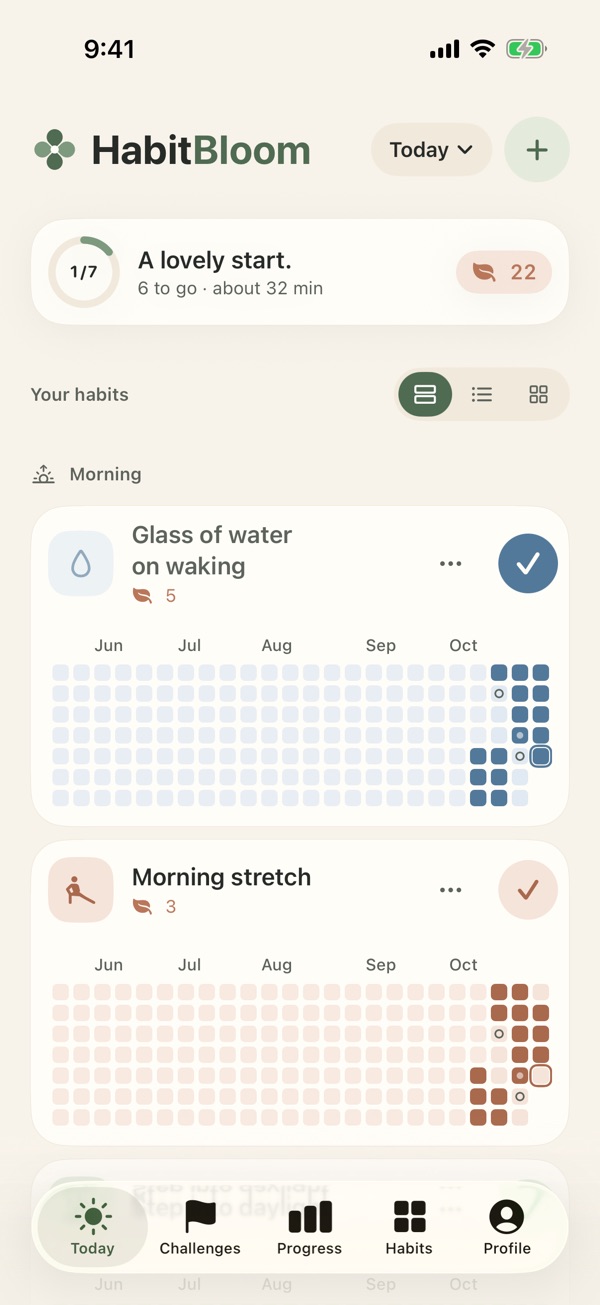
Calm or Neon garden.
Soft earthy tones or bright, vivid ones, in light, dark or pure black. Lay out Today as full cards, a compact list or a two-column grid.
Built to be easy to read: Dynamic Type, VoiceOver, Bold Text, Reduce Motion and Differentiate Without Color are all supported.
Also in HabitBloom
Everything you need. Nothing that nags.
Home Screen widgets
See a habit's grid or today's list, and tick habits off without opening the app.
Gentle reminders
Up to three a day per habit, with quiet hours, a "Later" snooze and private reminders for the lock screen.
Daily, weekly or monthly
Every day, set weekdays, or a few times a week or month. Count steps toward a target, like 6 glasses.
Backup and export
Back up to Files or iCloud Drive and restore on a new iPhone. Export your history as a spreadsheet.
Private by design
No account, no ads, no tracking. Your habits stay on your iPhone.
Badges you keep
Milestones like Fresh Start and Kept Going celebrate coming back, and they're never taken away.
Privacy and support
Your habits are yours.
Your habits, check-ins and notes stay on your iPhone. No account, no ads, no tracking. If you buy Premium, Apple handles the payment and our subscription service receives an anonymous ID and your purchase details so the app knows Premium is active.
Get in touch
Questions, feedback or trouble with a purchase? Email us and we'll get back to you.
support@habitbloom.app
Questions
Do I need an account?
No. Open the app and start. There's nothing to sign up for.
What happens if I miss a day?
Your progress stays. In a challenge, the missed day simply doesn't count yet, and a grace day can keep your streak going. Mark a day as rest when you need one; rest days never break a streak.
Can I move my data to a new iPhone?
Yes. Make a backup in Profile ▸ Your data, save it to Files or iCloud Drive, and restore it on the new phone. You can also export your history as a spreadsheet.
What's the difference between Premium and Lifetime?
They unlock the same features. Premium is a subscription, yearly or monthly. Lifetime is a single purchase that never renews.
How do I cancel Premium?
Open your iPhone's Settings ▸ your name ▸ Subscriptions, choose HabitBloom and tap Cancel Subscription. You keep Premium until the end of the period you've paid for.
Is HabitBloom on Android?
Not yet. HabitBloom is for iPhone.
Is HabitBloom medical advice?
No. HabitBloom shares general wellness ideas and isn't a medical service. Talk to a qualified professional about your health.